Use Shopify Store Credit
Last updated: April 20, 2026
This guide explains how to enable Shopify Store Credit for Route Returns, improving upon the legacy Gift Card experience for merchants and shoppers.
Prerequisites
Ensure that you have upgraded to Shopify's latest version of customer accounts.
How it works
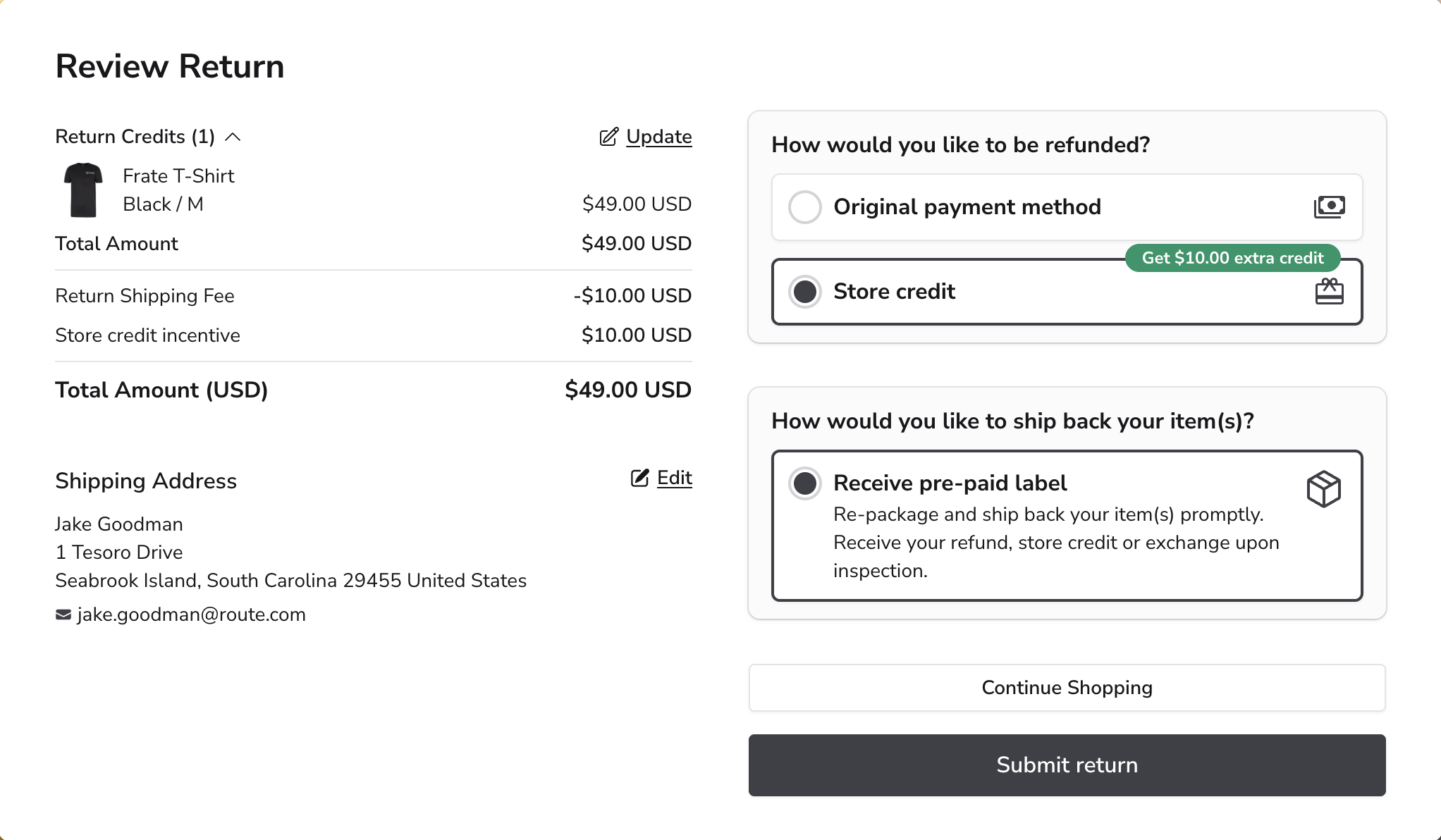
Customers still opt-in to store credit when submitting their return, no changes there:
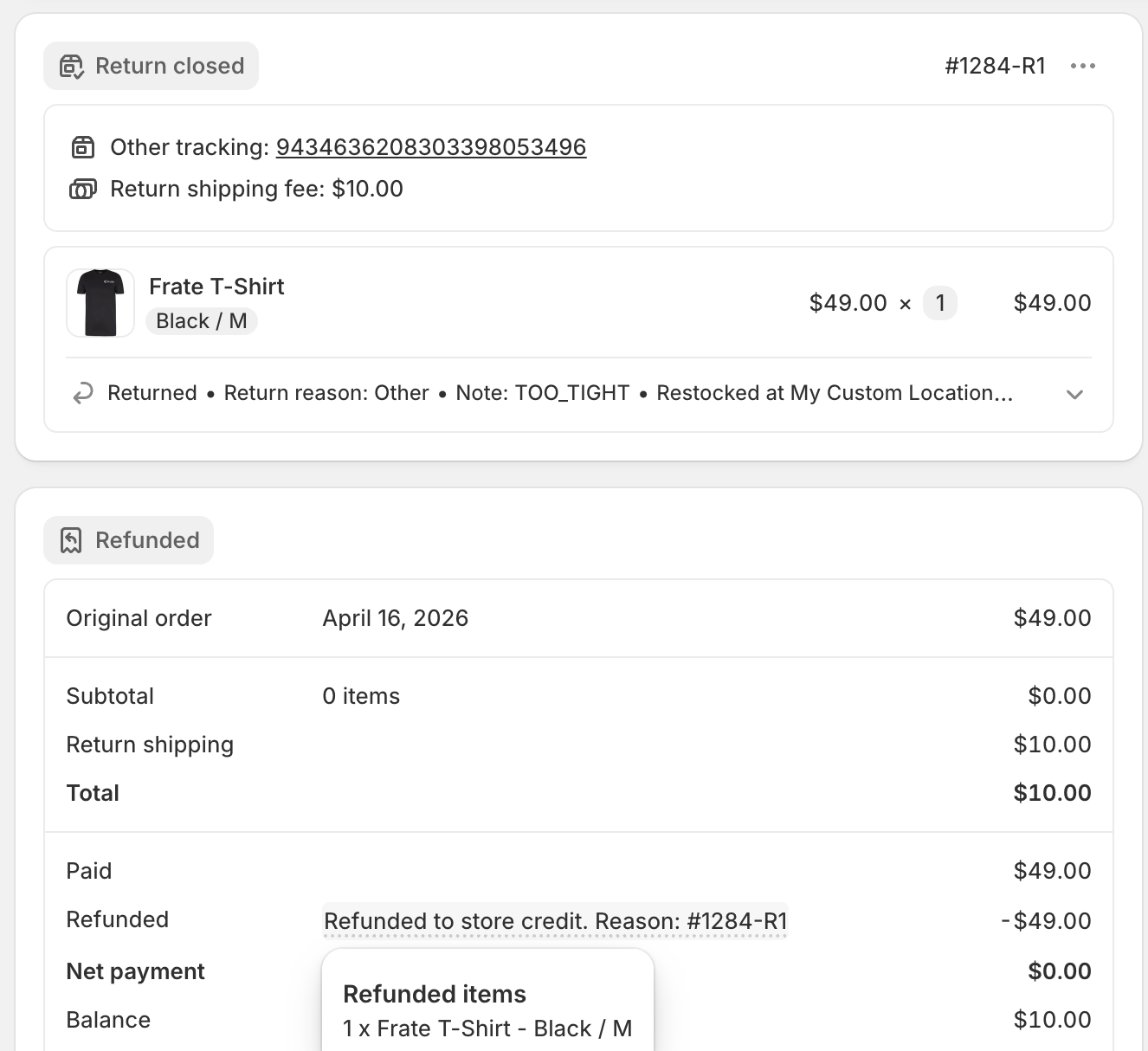
When the return is processed, the store credit is accounted for on the order, eliminating accounting discrepancies that were present with the gift card flow:
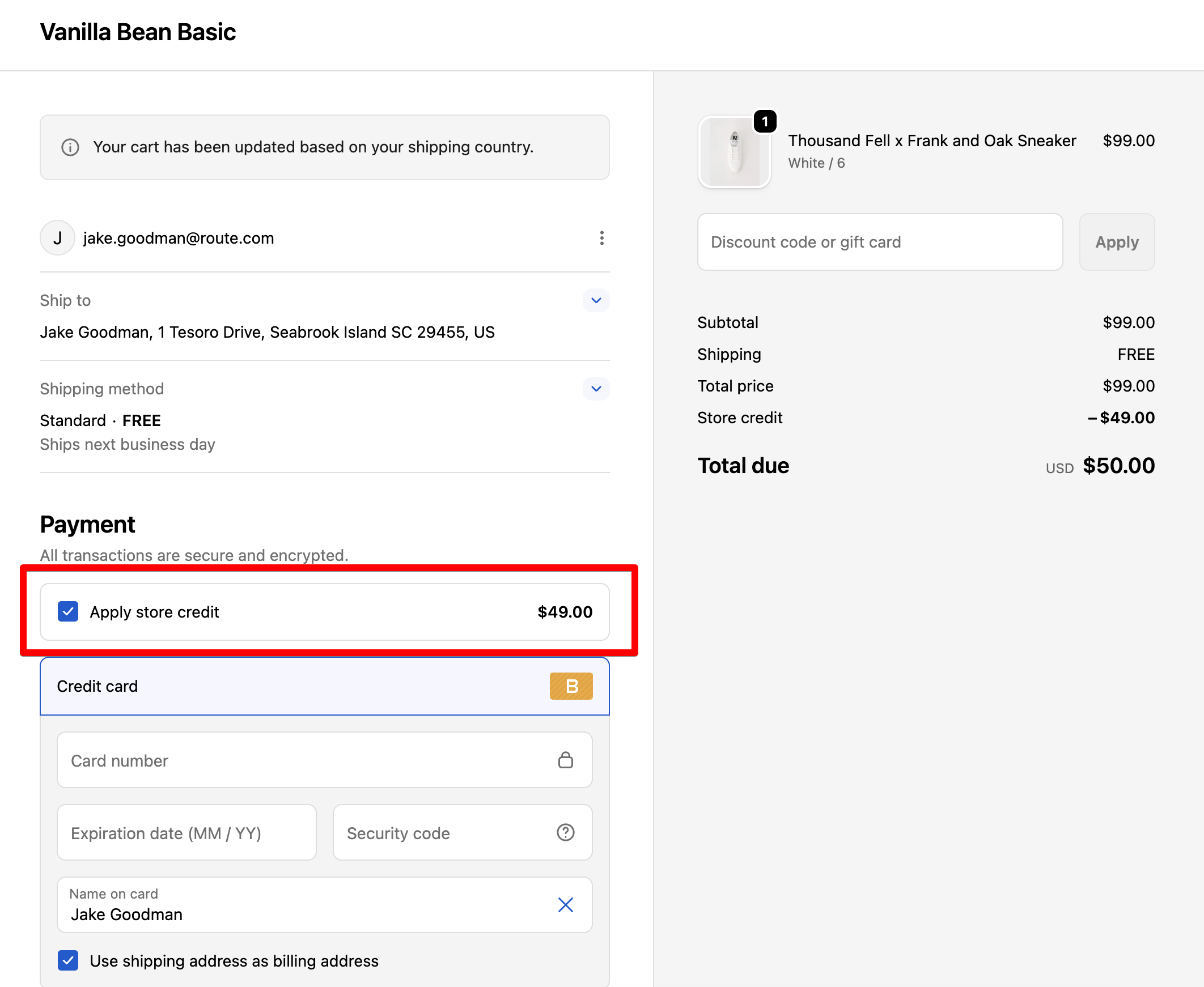
The next time the customer places an order, they can check "Apply store credit" to have their credit applied to their card, with no need to find and enter a gift card code:
How to enable this feature
Go to Settings->Refunds, then toggle on "Shopify native store credit". Simple as that!
FAQ
Question: How can we tell if a customer has an existing store credit applied to their account? Is that something we can easily see in Shopify or within Route?
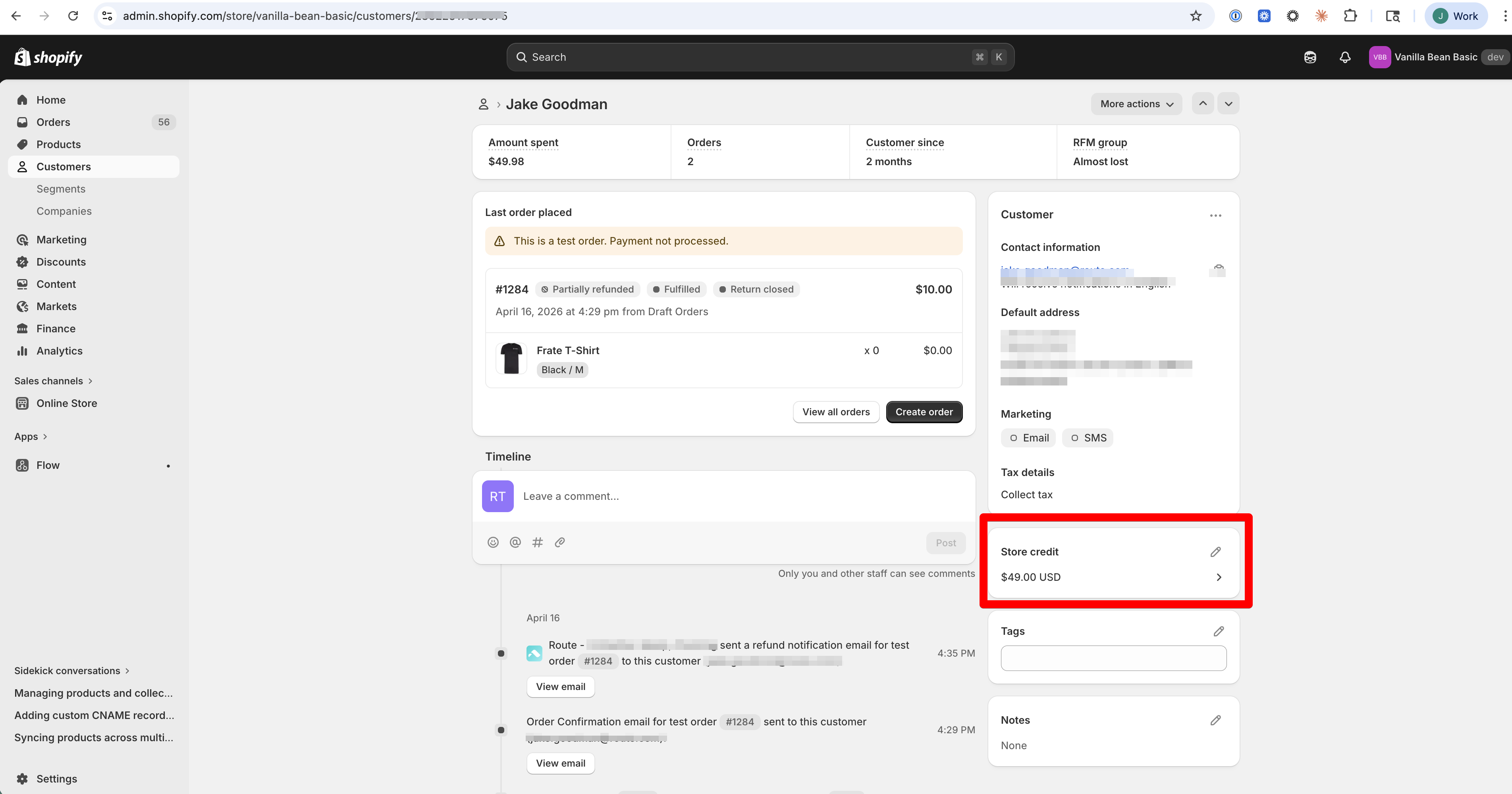
Answer: You can see this in Shopify's built-in Store credit transactions report, or simply go to their Customer profile and see their outstanding balance at a glance: