Prevent Route-only Bot Orders on Shopify
Last updated: October 20, 2026
This guide will outline the steps to enable route-order-validator through Shopify Checkout Rules. The route-order-validator uses Shopify Functions to ensure Route cannot be the only item in the cart at checkout.
Context
Fraudulent actors will test stolen credits card information by deploying bots to Shopify sites that have low-cost items such as package protection, returns coverage, gift wrapping services, etc. This is not specific to Route; however, we have low priced items such as $0.98 or $2.15 for package protection. The bots programmatically add this item to the cart and checkout to validate if the credit card number is valid. A single merchant can see dozens to thousands of these orders within minutes.
Mitigation and Prevention
Route does not have a true bot prevention nor anti-fraud service that can detect these bots and stop the session. However, we do have 2 mechanisms in place to avoid these orders.
Route will automatically cancel and refund any Shopify orders that only contain Route on the order. This is enabled for all Shopify merchants automatically.
Route has a Shopify checkout rule that blocks Route from being the only item in the cart at checkout. This is enabled manually by the merchant or Route implementation team.
How to enable Route Checkout Validator in Shopify Checkout rules:
Log in to your Shopify Admin panel.
Navigate to Settings
Select Checkout settings
Scroll to Checkout rules (near the bottom)

Click Add rule
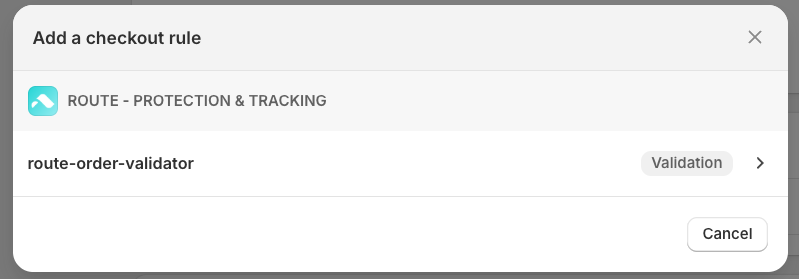
Select the route-order-validator option from Route
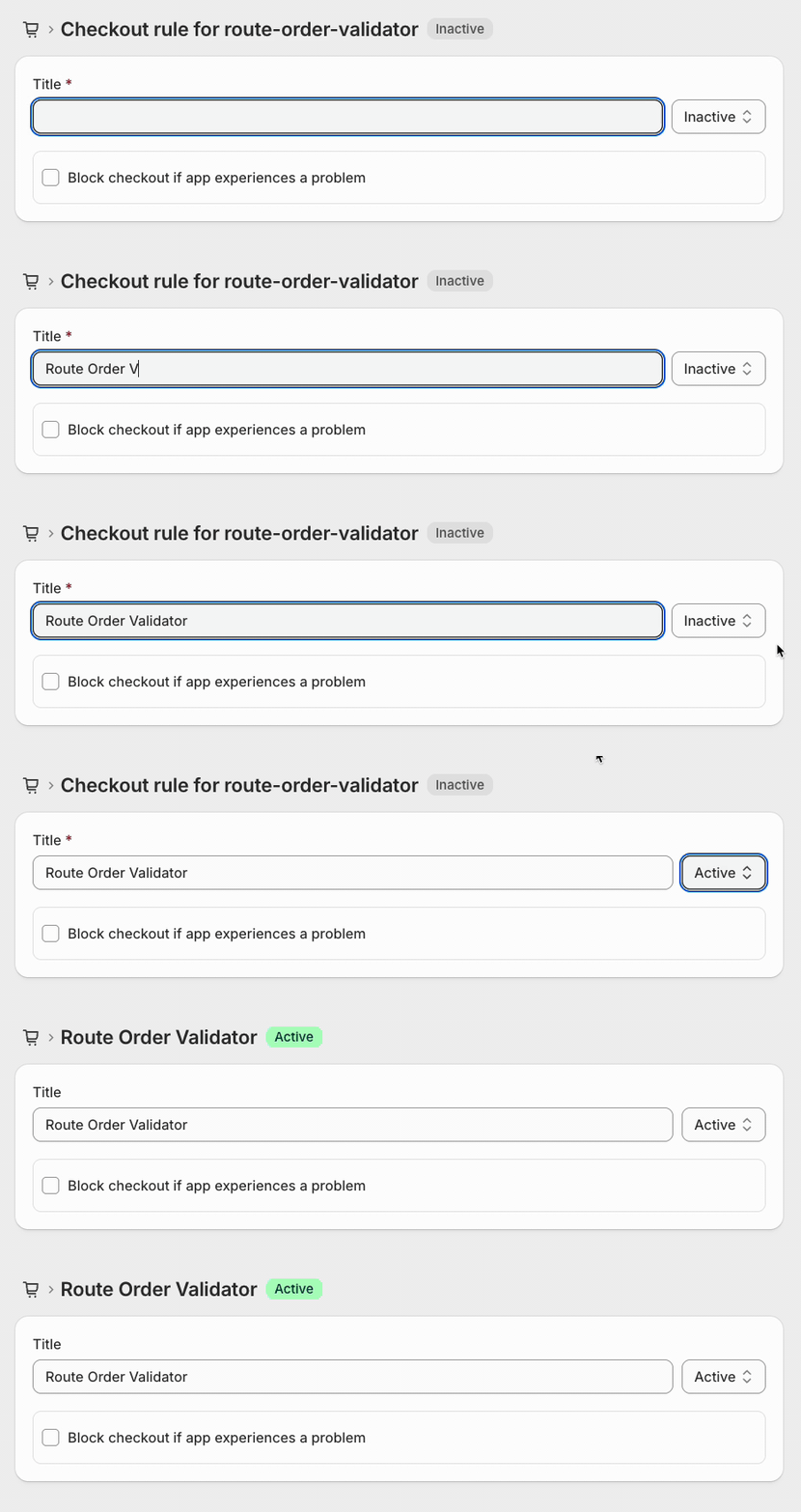
Give the rule any title for clarity, select Active form the status dropdown, and save the changes. DO NOT check the box to block checkout
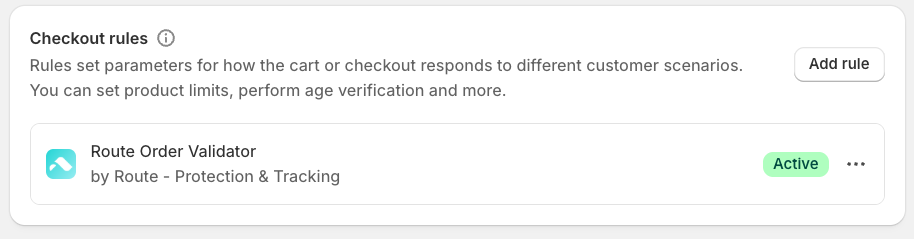
If done correctly, you should now see the Route Order Validator active in your Checkout rules.